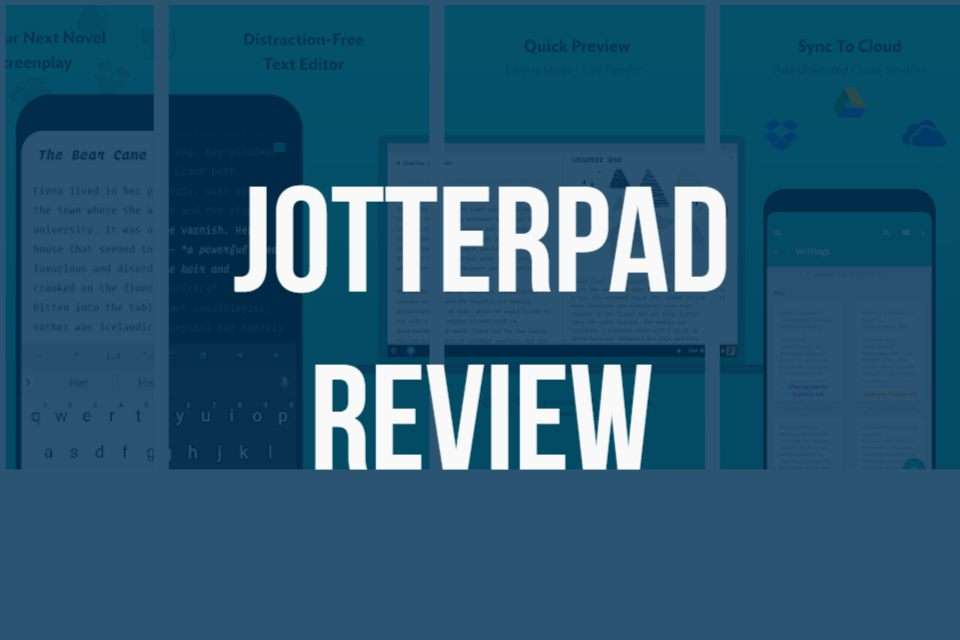
JotterPad is a free writing application designed especially for creative writers. You can easily install this application and start writing instantly.
Basic Features of JotterPad
The simple writing “plain text editor” built-in JotterPad allows you to focus on your writing and write freely. There are so many writing features included in this plain text editor. Dark theme option, night vision, and typewriter scrolls. “Built-in dictionary” helps you to find writing mistakes and “thesaurus” allows you to find the exact meaning of the written words.
Are you looking for software with more custom fonts? Then JotterPad is the perfect match for you as this software supports many custom fonts. JotterPad supports Bluetooth keyboards and other shortcut keys too. This makes the app more user-friendly too.
Special Features in this Writing Software
Can a writing app store your files in the cloud? Of course yes. JotterPad allows you to store your files in the JotterPad cloud. This is integrated with Google Drive, Dropbox, and Microsoft One Drive too. This feature helps you to continue writing even on the go while you are offline.
The specially designed “ typewriter” mode here allows you to keep the written text in the middle of the screen. This feature helps users to concentrate more on writing.
Latest Improvements
JotterPad has increased performances of its large size documents recently and this has helped users to continue their work, especially novels and other long writing work without any distraction.
Formats Supported
You can easily convert your written work to DOCX (Beta), HTML, RTF, PDF, and TXT using this software from the “export” function.
We hope that all of you have gained vital information about JotterPad here. “I’m interested to find more information about freewriting software”. This is what we hear from many of our viewers. You can easily find more information about free writing software by clicking here.